
Welcome passElarabet
Elarabet
100%
up to 10,000 QAR + 100 Free Spins
Open Cashier18+. T&Cs apply. Play responsibly.
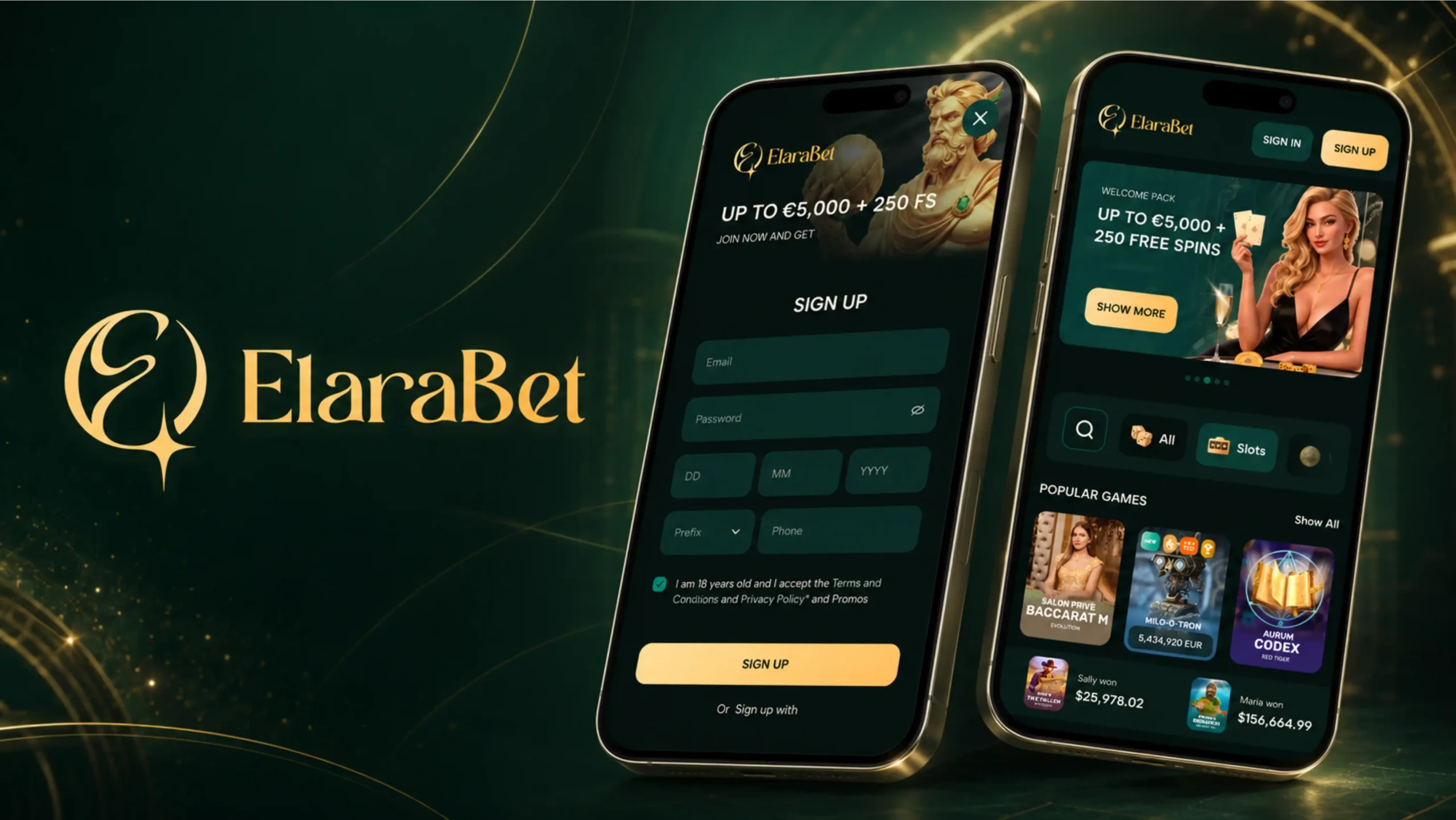
Elarabet Payment Methods
Payment methods include Visa, Mastercard, Maestro, Paysafecard and Ripple XRP, with a minimum deposit of 80 QAR.
Elarabet accepts Visa, Mastercard, Maestro, Paysafecard and Ripple XRP for payments. The minimum deposit is 80 QAR; choose an available method in the cashier to deposit or request a withdrawal.
| Method | Processing time |
|---|---|
| Visa | 1-3 business days |
| Mastercard | 1-3 business days |
| Maestro | 1-3 business days |
| Paysafecard | Instant |
| Ripple XRP | Less than 1 hour |
Choose a payment method in the Elarabet cashier before making a deposit. The minimum deposit is 80 QAR. Check the amount and payment details shown for the selected option before confirming, and make sure the details are correct. Deposits and withdrawals use the payment options available in the cashier.
The Elarabet payment methods are Visa, Mastercard, Maestro, Paysafecard and Ripple XRP. The available choice can depend on the payment option shown in the cashier, so select the method you intend to use before entering a deposit amount or requesting a payout.
Use an account or payment method in your own name. Matching the account holder details helps avoid problems when the casino checks a transaction or verifies an account. Keep the payment confirmation for your records, including the date, amount and transaction reference if one is shown.
Sign in and open the cashier to start a deposit. Select one of the available payment options, enter an amount that meets the minimum, then follow the instructions for that method. Review the amount and payment details before you confirm the transaction.
After submitting a deposit, check the account balance and transaction status. If the balance does not update, first make sure the payment itself was completed and that you did not leave a confirmation step unfinished. Keep any receipt or reference number so you can identify the transaction if you need to follow it up.
| Payment option | Use |
|---|---|
| Visa | Card payment |
| Mastercard | Card payment |
| Maestro | Card payment |
| Paysafecard | Prepaid payment |
| Ripple XRP | Cryptocurrency payment |
Open the cashier and choose the withdrawal option to submit a payout request. Enter the requested details carefully and check them before confirming. Use payment details that belong to you, and keep a record of the request so you can compare it with the transaction status in your account.
Account verification is part of the checks before a first payout. The casino may ask for documents that confirm your identity, address or ownership of the payment method. These checks help connect the account holder with the payment details and reduce the risk of unauthorised transactions. Submit clear, current documents through the casino’s designated account process.
There is no payout time stated here, so do not rely on an assumed timeframe. If a request appears delayed, check its status in the account and confirm that the verification steps and payment details are complete. Keep the request reference and any payment confirmation while the transaction is being reviewed.
A quick review can prevent avoidable errors in either direction. Check that the selected method is the one you mean to use, that your details are accurate and that the amount shown is correct. For a withdrawal, make sure the destination details belong to you and match the information used for verification.
Which payment methods can I use? Elarabet offers Visa, Mastercard, Maestro, Paysafecard and Ripple XRP as payment options. Choose from the methods displayed in the cashier for your transaction. Check the instructions shown for your selected option before you proceed.
What is the minimum deposit? The minimum deposit is 80 QAR. Select your payment method in the cashier and enter an amount that meets this threshold. Review the amount on screen before submitting the payment.
What documents may be needed before a first withdrawal? Account verification may involve documents confirming your identity, address or ownership of the payment method. These checks help verify that the account and payment details belong to the same person. Provide clear documents through the casino’s designated account process.
What should I do if a withdrawal is delayed? Check the request status in your account and confirm that the payment details and verification steps are complete. Keep the transaction reference and any related payment confirmation. Avoid submitting a duplicate request while the original one is still being reviewed.
Can I use a payment method belonging to someone else? Use payment details in your own name. Account checks may include verification of payment-method ownership, so mismatched details can complicate a transaction review. Make sure the payment information you submit corresponds to your own account details.
How do I check that a deposit went through? Review the balance and transaction status after completing the payment steps. If the balance has not changed, confirm that the payment was completed with the selected method and that no confirmation step remains. Keep the receipt or reference number for the transaction.
| Payment option | Use |
|---|---|
| Minimum deposit | 80 QAR |
| Payment method | Visa |
| Payment method | Mastercard |
| Payment method | Maestro |
| Payment method | Paysafecard |
| Payment method | Ripple XRP |
Open the cashier and choose from Visa, Mastercard, Maestro, Paysafecard or Ripple XRP for your deposit.
Enter at least 80 QAR and confirm the payment using the instructions shown for your selected method.
To request a withdrawal, select the withdrawal option in the cashier, choose an available method and enter the amount.
Before the first payout, complete identity verification; the casino may request identity, address or payment-ownership documents to check the account and payment details.
Find the payment methods available at Elarabet and the minimum deposit. These answers also cover withdrawal requests and verification before a first payout.
Elarabet accepts Visa, Mastercard, Maestro, Paysafecard and Ripple XRP for payments. These are the payment methods available for deposits and withdrawals at the casino. Choose an option shown in the cashier and follow its instructions to submit the transaction.
The minimum deposit at Elarabet is 80 QAR. Choose a payment method in the cashier and enter an amount that meets this minimum. The cashier displays the available options as you make the deposit.
To deposit, sign in to your Elarabet account, open the cashier and select a payment method. Enter your deposit amount and follow the on-screen instructions to complete the transaction. The minimum deposit is 80 QAR.
To request a withdrawal, sign in to your account and open the cashier’s withdrawal option. Select a payment method, enter the amount and submit the request using the displayed instructions. Follow any account verification steps requested before the payout can be processed.
Elarabet may ask you to verify your identity before your first payout. Casinos commonly request identity and address documents to confirm account ownership and meet verification checks. Submit the documents requested through the account’s verification process, and make sure the details match your account.
If a withdrawal appears delayed, check its status in your Elarabet account and confirm that any requested verification is complete. A pending request may need those checks before it can proceed. If the status does not clarify the issue, contact the casino through its available support option.
100% up to 10,000 QAR + 100 Free Spins
Still deciding? Your welcome offer is ready to claim.